


Agentic Browsers in 2026: Business Workflows, Web Agents, and Security
Agentic browsers are becoming one of the most important enterprise AI trends of 2026 because they move AI agents directly into the place where work already happens: the browser.
For years, the browser has been the front door to SaaS, email, documents, dashboards, procurement portals, customer systems, analytics tools, cloud consoles, help desks, and finance workflows. An agentic browser changes that relationship. Instead of only showing web pages to a human, it can help interpret pages, compare information, fill forms, draft replies, navigate tasks, and in some cases take actions across websites and business applications.
That makes the opportunity practical. It also makes the risk sharper. A browser-based agent can see authenticated sessions, read page content, interact with forms, invoke tools, and move between systems. If it misunderstands instructions, follows malicious web content, or operates with excessive permissions, the impact can move from a bad answer to a real business event.

What Agentic Browsers Are
An agentic browser is a web browser or browser-like workspace with an AI agent that can understand page context and perform multi-step tasks. A basic AI browser may summarize a page or answer questions about open tabs. An agentic browser goes further by acting inside the browsing environment.
That action can include:
- Navigating between websites and tabs
- Reading authenticated application pages
- Comparing information across sources
- Drafting messages or support replies
- Filling forms and updating records
- Creating tasks, tickets, reports, or purchase requests
- Triggering workflows in SaaS applications
- Asking for approval before high-impact steps
Perplexity’s Comet browser page, for example, positions the browser as a personal assistant that can help with browsing, email, shopping, building, and creation tasks. The broader business signal is clear: AI is moving from a separate chat window into the browser surface where employees already spend their workday.
Why This Is Trending Now
Several trends are converging at the same time.
First, enterprise work is already browser-based. Finance teams approve invoices in SaaS tools. HR teams process onboarding forms. Sales teams update CRM records. Developers inspect cloud dashboards. Support agents move between help desk systems, knowledge bases, customer profiles, and billing portals. A browser agent can sit across those systems without every vendor building a perfect native integration.
Second, AI agents are changing how businesses think about software. A recent TechRadar Pro analysis argued that AI agents are not ending SaaS, but pushing it toward execution and control. The strongest platforms will coordinate workflows, enforce policy, manage state, and provide evidence of work completed. That matters because agentic browsers need reliable systems underneath them. The browser agent may initiate work, but the business platform still needs permissions, audit logs, approvals, and rollback paths.
Third, infrastructure and governance are becoming board-level concerns. TechRadar reported on a Google Cloud study finding that many organizations must modernize infrastructure to capture the value of agentic AI, with governance tools needed to manage agent sprawl, communication, data access, and workloads. That same logic applies inside the browser. A company does not only need a smarter assistant. It needs visibility into what the assistant can see, what it can do, and which human approved the action.
Fourth, security researchers are publishing browser-agent threat models. A 2026 paper, WAAA! Web Adversaries Against Agentic Browsers, argues that browser agents face risks beyond indirect prompt injection. Traditional web attacks and social engineering can reappear in stronger forms when an AI agent is allowed to act on untrusted page content. The authors derived a taxonomy of 20 attacks and showed several classes of failures across multiple model providers.
The trend is not only that agentic browsers are useful. It is that they are useful enough to require serious operating controls.
Real-World Applications
Procurement and Vendor Research
Procurement is a strong early use case because the work is structured but time-consuming. A browser agent can compare supplier pages, collect pricing information, summarize contract terms, check delivery options, draft a purchase request, and prepare a sourcing summary for review.
The key is not letting the agent complete sensitive steps alone. A good workflow keeps the agent in a research and preparation role, then requires human approval before vendor selection, contract submission, payment setup, or bank-detail changes.
For small and mid-sized businesses, this could reduce manual research time. For larger enterprises, it could help procurement teams standardize market scans and produce better documentation for compliance.
Customer Support and Account Operations
Support agents often switch between tickets, CRM profiles, product documentation, billing tools, shipment portals, and internal knowledge bases. An agentic browser can reduce that switching cost.
Practical tasks include summarizing a customer’s account history, drafting a reply using approved policy, finding the right knowledge-base article, checking order status, and preparing a refund or escalation request. The browser agent can work across systems even when the integrations are incomplete.
The business value is faster handling, more consistent documentation, and less employee fatigue. The risk is that a browser agent may see sensitive customer data and authenticated systems. Companies need role-based access, redaction, logging, and clear rules for when the agent may only suggest rather than act.
Finance, HR, and Administrative Workflows
Many internal workflows are browser-heavy: expense review, payroll changes, applicant screening, employee onboarding, timesheet checks, benefits questions, vendor forms, and compliance attestations.
Agentic browsers can help prepare routine work. They can gather missing fields, compare forms against policy, flag unusual requests, draft communications, and create checklist items. They should not independently approve payroll changes, bank account updates, large reimbursements, or regulated employee decisions.
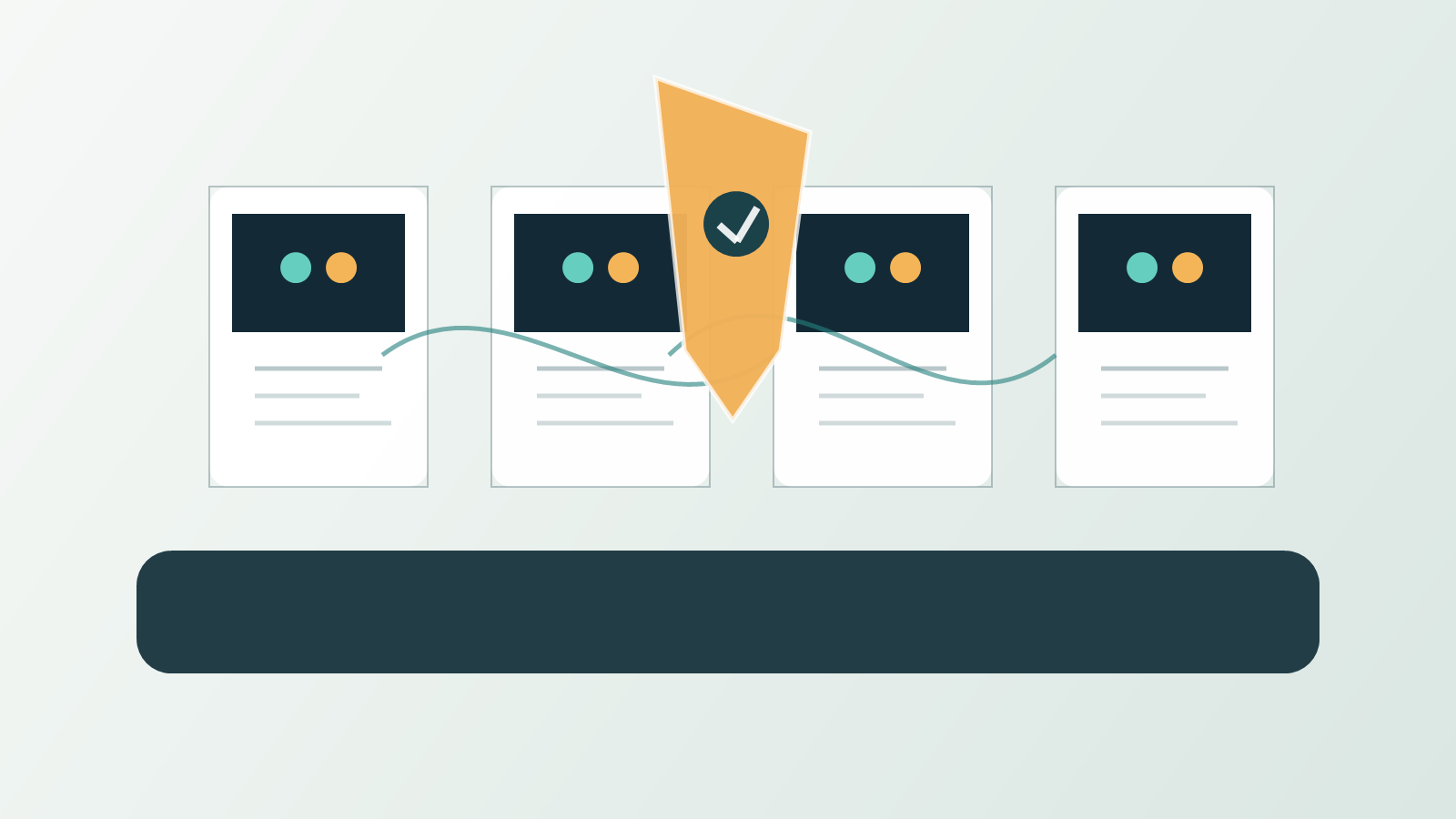
This is where a human-in-the-loop design matters. The agent should accelerate preparation and verification, while high-risk decisions remain gated by known controls.
Sales and Research Work
Sales and business development teams can use browser agents to research accounts, summarize public information, prepare outreach drafts, compare competitors, update CRM notes, and monitor customer signals.
This can be valuable when the agent is constrained to public sources and approved internal records. It becomes risky when the agent is allowed to scrape sensitive third-party systems, invent unsupported claims, or update CRM fields without verification.
The practical rule is simple: let agents collect and structure evidence, but require humans to approve claims, commitments, pricing, and customer-facing messages.
Software and Cloud Operations
Developers, DevOps teams, and security teams already use browsers for consoles, dashboards, incident tools, documentation, pull requests, logs, vulnerability databases, and cloud configuration. Browser agents can help navigate documentation, summarize logs, prepare runbooks, compare settings, and create tickets.
The line to watch is execution. Reading documentation is low risk. Changing DNS, rotating keys, modifying IAM roles, deploying code, or deleting resources is high risk. Agentic browser workflows in technical environments need sandboxing, least privilege, change approval, and emergency stop mechanisms.
The Business Impact
Agentic browsers could change how companies measure productivity. Instead of counting how many employees use a SaaS tool, leaders may measure how much work moves through an AI-assisted browser layer and how reliably it is completed.
The strongest business benefits are:
- Less time spent switching between systems
- Faster research and document preparation
- More consistent operational checklists
- Better summaries for approvals and audits
- Improved support response time
- Lower integration burden for fragmented SaaS environments
- More accessible automation for non-technical teams
But the business case depends on process quality. If a workflow is poorly designed, an agent can make the mess faster. If data is inconsistent, permissions are loose, and accountability is unclear, a browser agent may multiply confusion rather than reduce it.
This is why the best first pilots are narrow. A company should start with one measurable workflow, such as vendor research, support summarization, ticket preparation, or CRM update drafting. Then measure time saved, error rates, escalation volume, user trust, and control effectiveness.
Security Risks Leaders Should Manage
Prompt Injection From Web Pages
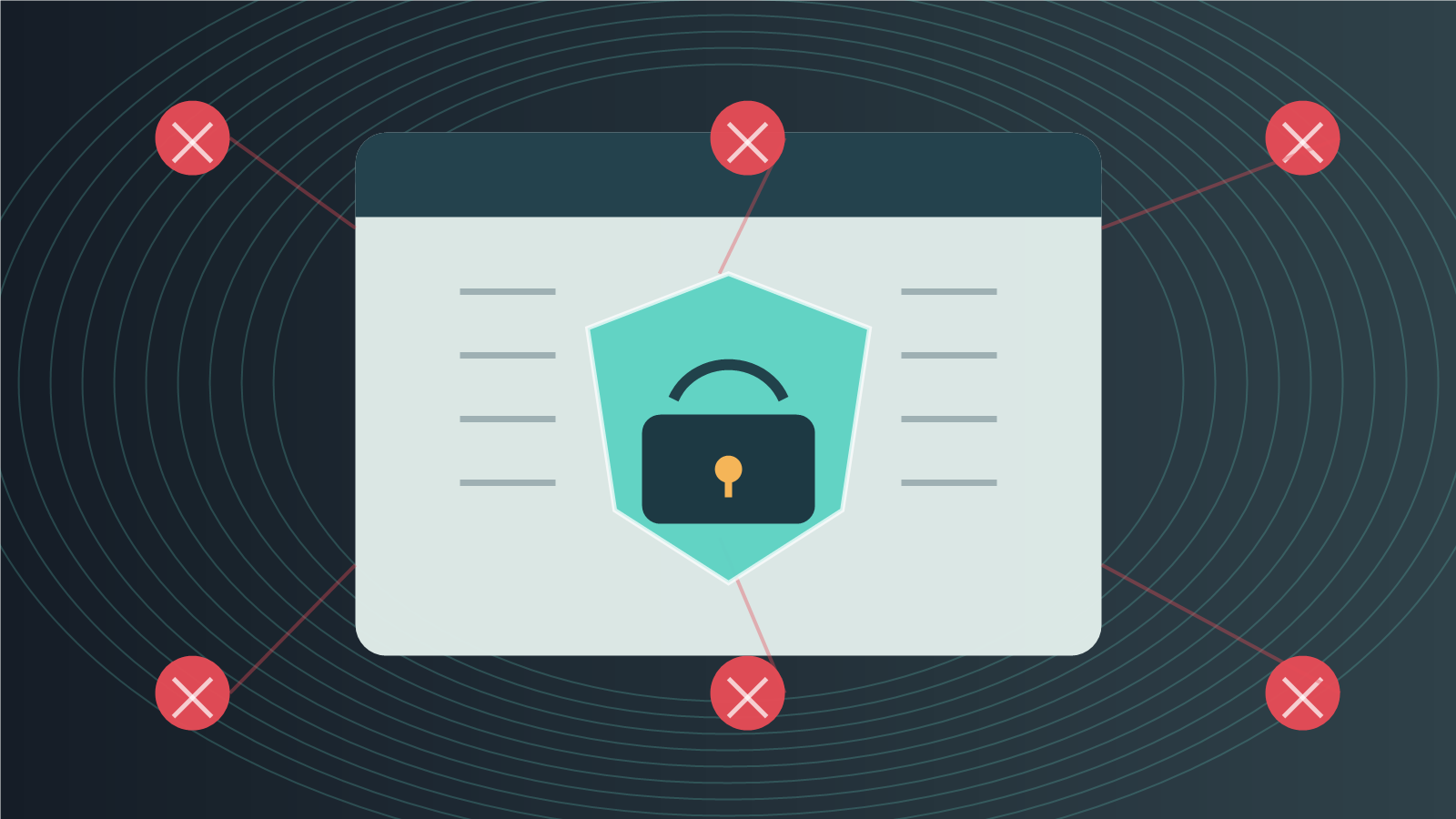
The core browser-agent risk is that web pages are untrusted input. A page can contain visible or hidden content that attempts to steer the agent away from the user’s goal. A human may ignore suspicious instructions. A browser agent may treat them as task context.
The WAAA paper frames this as a confused-deputy problem: the agent has authority from the user but may be influenced by a web adversary. For businesses, that means browser agents should not treat page content as trusted instructions. They need a stronger separation between user intent, system policy, page content, and executable actions.
Authenticated Session Exposure
An agentic browser may operate inside logged-in sessions for email, CRM, finance tools, cloud portals, or HR systems. That makes the browser a high-value environment.
If the agent can read pages, copy data, submit forms, and move between apps, then session security becomes agent security. Organizations need strong identity controls, device management, phishing-resistant authentication for high-risk users, short-lived sessions, and monitoring for unusual browser activity.
Over-Permissioned Agents
Agents should not inherit every permission the user has. A finance manager may have permission to approve payments, but that does not mean a browser agent should be allowed to initiate or approve payments without additional verification.
The safer pattern is capability separation. The agent can read low-risk data, draft a recommendation, and prepare a form. High-impact actions require explicit confirmation, step-up authentication, or a second approver.
Data Leakage and Compliance
Browser agents may process sensitive customer data, trade secrets, health information, financial records, employee data, or regulated communications. Even when the model provider is trustworthy, the business still needs a data-handling policy.
Questions to answer before deployment:
- What page content can the agent send to a model?
- Is sensitive data redacted before processing?
- Where are prompts, screenshots, and outputs logged?
- Can admins review what the agent saw and did?
- Which workflows are blocked because of regulation or contract terms?
- How are users warned when a page contains sensitive information?
Cascading Multi-Step Errors
Browser agents are attractive because they can chain tasks. That is also why they can fail in ways that are harder to unwind. A wrong assumption can lead to a wrong page, then a wrong form, then a wrong update in a system of record.
The 2026 survey From Secure Agentic AI to Secure Agentic Web highlights risks involving toolchain abuse, memory attacks, privilege control, runtime monitoring, and cross-domain delegation. For business leaders, the lesson is that agentic browser safety is a systems problem, not a prompt-writing trick.
A Practical Adoption Playbook
1. Choose One Workflow With Clear Boundaries
Start with a workflow where the agent can prepare work but not finalize a high-risk decision. Good candidates include support summaries, account research, vendor comparison, policy lookup, meeting preparation, and ticket drafting.
Avoid first pilots that involve payments, legal approvals, medical decisions, employment decisions, production cloud changes, or irreversible record updates.
2. Define What The Agent Can See
Browser agents should not have unlimited visibility. Limit access by role, application, data class, and workflow. If a task only needs public vendor pages, the agent should not also see email, finance systems, and private customer records.
3. Define What The Agent Can Do
Separate actions into low, medium, and high risk. Reading a page, summarizing content, and drafting a message are usually lower risk. Submitting forms, changing records, sending emails, approving purchases, and altering cloud settings need stronger controls.
4. Require Approvals For Consequential Steps
Approval should not be a vague “are you sure?” prompt. It should show what the agent is about to do, which data it used, which system will change, and what the user is approving. For payments, account changes, HR decisions, and production systems, require step-up authentication or dual approval.
5. Log Evidence, Not Just Output
Auditability is central. Businesses need to know which pages the agent read, what instructions it received, what it generated, what actions it attempted, what the user approved, and what changed downstream.
This aligns with the NIST AI Risk Management Framework, which is designed to help organizations manage AI risks to individuals, organizations, and society. Browser-agent deployments should be governed like operational systems, not treated like casual productivity extensions.
6. Red-Team With Real Web Content
Test the agent against realistic adversarial pages, not only clean internal demos. Include hidden instructions, malicious comments, fake support prompts, deceptive forms, suspicious downloads, and conflicting page content. The goal is to learn where the agent obeys the wrong authority.
7. Build A Kill Switch
Every agentic browser rollout needs a fast way to disable actions, revoke tokens, clear risky memory, isolate sessions, and preserve logs. If a user reports that the agent behaved unexpectedly, IT and security teams should not be improvising.
Opportunities For Businesses And Service Providers
Agentic browsers create opportunities for IT service providers, cybersecurity firms, SaaS vendors, and internal automation teams.
Managed service providers can package browser-agent readiness assessments: identity hardening, browser policy, extension governance, SaaS permission review, and workflow risk mapping.
Cybersecurity teams can build services around prompt-injection testing, browser isolation, session monitoring, and agent activity logging.
SaaS vendors can expose safer agent interfaces with scoped permissions, reversible actions, structured approvals, and evidence trails.
Operations teams can use browser agents to reduce repetitive work without waiting for every system to expose a complete API. That is especially valuable for small companies with fragmented software stacks.
The real opportunity is not “let the agent do everything.” It is “let the agent prepare more work, with better evidence, while humans and systems retain control over consequential decisions.”
What Readers Should Watch Next
Watch three developments over the next year.
First, expect browser vendors and AI companies to add more permission controls. Agentic browsers will need separate policies for reading, writing, submitting, purchasing, messaging, downloading, and using credentials.
Second, expect security benchmarks for web agents to become more practical. Research is already moving from general prompt-injection examples toward browser-specific attack taxonomies and real workflow testing.
Third, expect enterprise SaaS platforms to compete on agent readiness. The winners will not only have APIs. They will have policy enforcement, audit logs, reversible actions, and clean evidence trails that make autonomous workflows governable.
Agentic browsers are powerful because the browser is where modern work lives. That is also why businesses should adopt them carefully. The right approach is not fear or hype. It is controlled experimentation: narrow workflows, limited permissions, strong approvals, visible logs, and a clear plan for what happens when the agent gets it wrong.
FAQ
What are agentic browsers?
Agentic browsers are browsers or browser-like workspaces with AI agents that can understand page context and perform multi-step tasks such as navigating sites, comparing information, drafting messages, filling forms, or preparing workflow actions.
How are agentic browsers different from normal AI chatbots?
A chatbot usually answers inside a separate interface. An agentic browser can operate inside web pages and SaaS applications, using page context and browser actions to help complete work.
Are agentic browsers safe for business use?
They can be useful, but they need controls. Businesses should limit what the agent can see and do, require approvals for sensitive actions, log activity, and test against prompt injection and malicious web content.
What is the best first use case?
Start with low-risk preparation work: support summaries, vendor research, account research, documentation lookup, ticket drafting, or policy comparison. Avoid irreversible actions in the first pilot.
What is the biggest security risk?
The biggest risk is giving a browser agent too much authority in an environment full of untrusted web content. Prompt injection, authenticated session exposure, over-permissioned actions, and poor logging can turn a browser assistant into an operational risk.
Sources
- Comet Browser: a Personal AI Assistant
- AI Agents Aren’t the End of SaaS – They’re Driving Its Next Phase of Growth
- Google Cloud Report Coverage: Agentic AI Infrastructure and Governance
- WAAA! Web Adversaries Against Agentic Browsers
- From Secure Agentic AI to Secure Agentic Web
- Security Considerations for Artificial Intelligence Agents
- NIST AI Risk Management Framework