
AI Tool Connector Security: Governing MCP and Agent Integrations
AI tool connector security is becoming one of the most practical enterprise technology topics of 2026 because AI agents are no longer limited to answering questions. They can now call tools, read files, search databases, create tickets, send emails, update CRM records, trigger deployments, and coordinate workflows across business systems.
That shift is useful, but it changes the risk model. A chatbot that gives a wrong answer may create confusion. An agent connected to email, payment systems, developer tools, cloud consoles, or customer records can create real operational, legal, and security impact.
The strongest signal today is the rapid adoption of standardized agent integration layers, especially the Model Context Protocol, or MCP. MCP gives developers a common way to connect AI applications with tools and data sources. That makes agent development faster, but it also means security teams need a repeatable way to govern what agents can access, what they can do, how actions are approved, and how every tool call is logged.
Why AI Tool Connector Security Is Trending Now
Enterprise AI adoption has moved through three stages.
First came copilots that helped people write, summarize, code, and search. Then came workflow assistants that could draft emails, produce reports, and analyze internal documents. Now the market is moving toward agents that can act through connected tools.
The connector layer is where that action happens. An agent may use one connector to retrieve customer history from a CRM, another to query a data warehouse, another to open a support ticket, and another to send a follow-up message. In software teams, an agent may connect to repositories, issue trackers, CI systems, package registries, cloud logs, and deployment tools.
MCP is important because it standardizes part of this integration problem. The official Model Context Protocol introduction describes MCP as a way for applications to provide context to large language models through a client-server architecture. That sounds technical, but the business meaning is simple: AI tools can plug into more systems with less custom integration work.
That convenience creates a governance challenge. If every team can add an agent connector quickly, companies need clear rules for identity, authorization, data exposure, tool permissions, logging, vendor review, and incident response.
What Is an AI Tool Connector?
An AI tool connector is a controlled interface that lets an AI system use an external capability. It may expose a simple function, such as searching a knowledge base, or a sensitive action, such as refunding an order, creating a user account, changing a firewall rule, or merging code.
Common connector examples include:
- CRM and customer support systems
- Email, calendar, and chat platforms
- Databases and business intelligence tools
- Source code repositories and CI/CD systems
- Cloud monitoring and incident management tools
- ERP, procurement, finance, and billing systems
- Document stores, file systems, and internal search
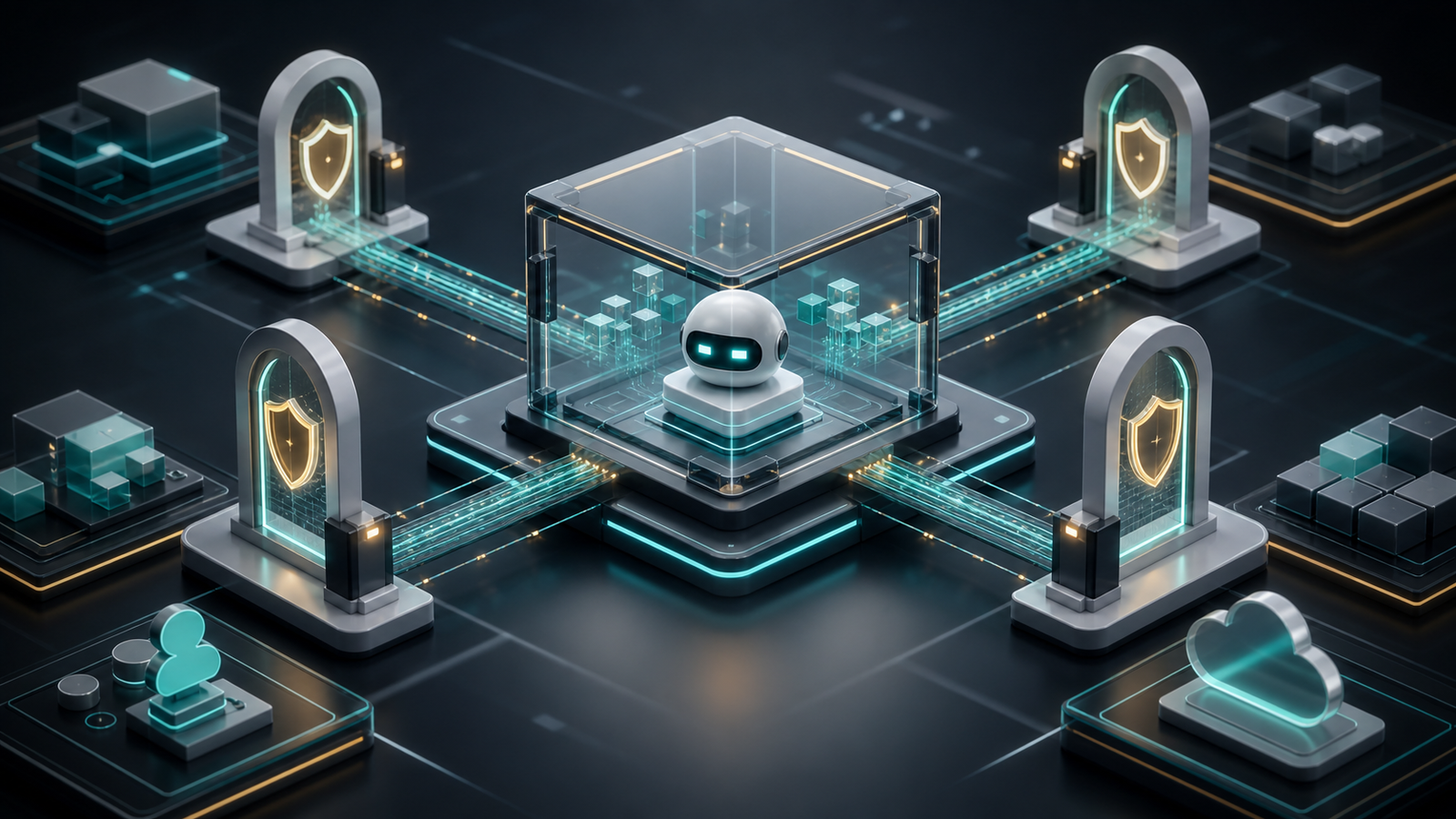
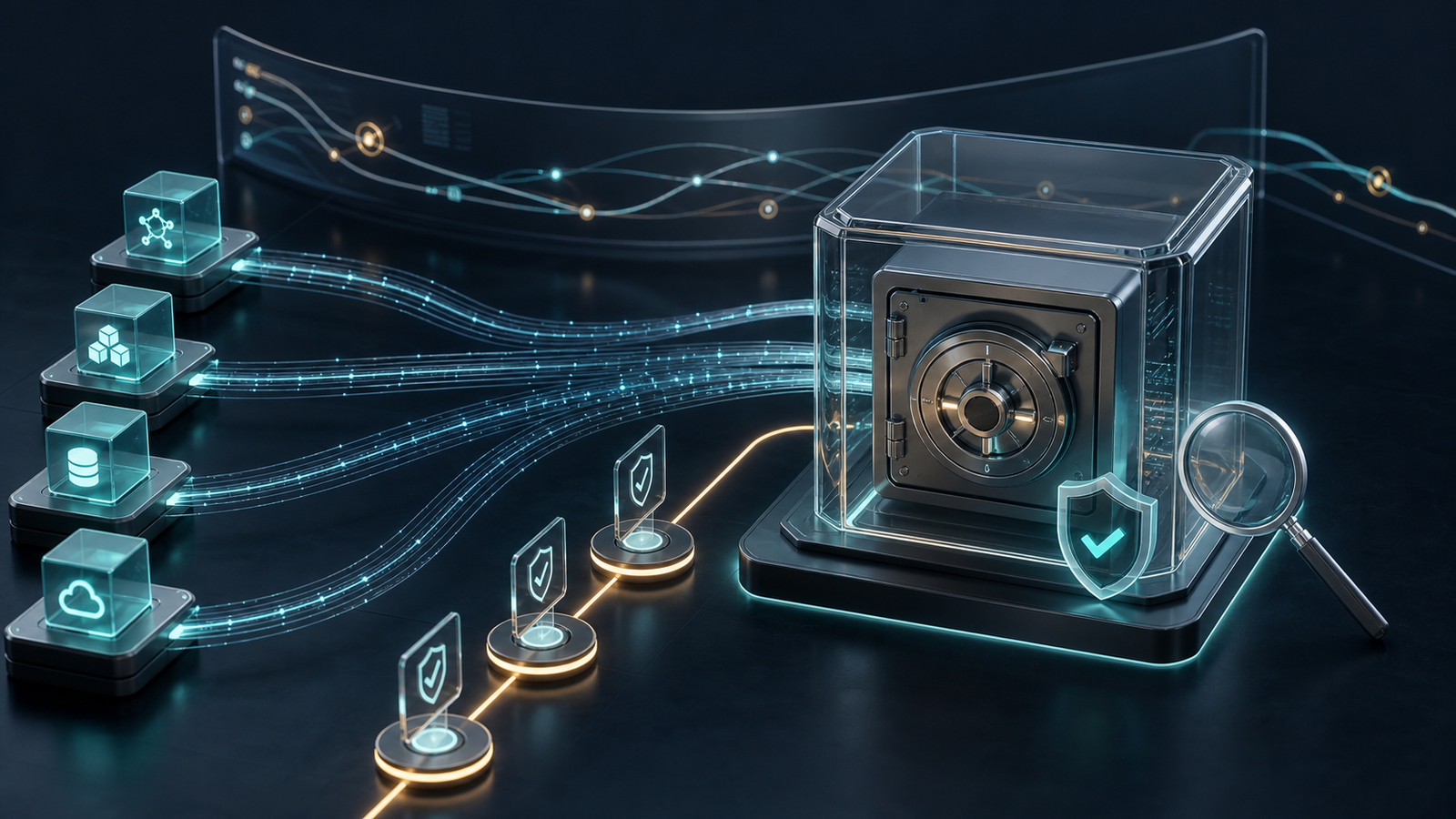
The connector is not just a technical adapter. It is a trust boundary. It determines what the agent can see, what action it can request, which user or service identity is used, and what evidence exists after the action.
Where MCP Fits
MCP does not remove the need for security design. It gives teams a common protocol for connecting AI applications to external tools and data. In a typical pattern, an AI host uses a client to communicate with MCP servers. Those servers expose resources, prompts, and tools from underlying systems.
That architecture is powerful because it separates the AI application from each integration. A company can build or buy an MCP server for a database, documentation system, code repository, browser automation workflow, or business application. The agent then discovers and uses those capabilities through a standard interface.
For businesses, this can reduce integration cost and speed up AI adoption. For attackers, mistakes in this layer can create a high-value path into sensitive systems. That is why MCP servers should be treated as production software and security infrastructure, not as experimental plugins.
Real-World Applications
Customer Support Agents
A support agent can retrieve account history, summarize previous tickets, check subscription status, recommend next steps, and draft a response. With stronger controls, it may also issue credits, create a replacement order, or escalate a case.
The business benefit is faster support and better context. The risk is that a prompt injection in a customer message could try to manipulate the agent into revealing data, changing account details, or bypassing policy. The connector should therefore enforce server-side permissions and approval rules instead of relying only on the model to behave.
Developer and DevOps Agents
Developer agents can search repositories, explain code, open pull requests, run tests, inspect logs, and create deployment tickets. Used well, they reduce repetitive engineering work and speed up incident response.
The risk is high because these tools touch source code, secrets, infrastructure, and release pipelines. A compromised connector, overbroad token, or unreviewed tool action could leak code, modify production configuration, or introduce a supply-chain weakness.
Finance and Procurement Workflows
Finance teams may use agents to reconcile invoices, summarize purchase orders, check vendor records, prepare approvals, and flag anomalies. These are strong use cases because they combine document analysis with structured business rules.
The danger is allowing an agent to take payment-related actions without strong verification. Vendor bank changes, large payments, refund approvals, and payroll modifications should require known-channel confirmation and human approval.
Data Science and Analytics
Analyst agents can query data warehouses, generate reports, explain metrics, and help business users explore operational data. This is useful when teams need faster insight without waiting for a dashboard request.
The security problem is data minimization. If the connector exposes entire tables, raw customer records, or sensitive fields, the agent can accidentally retrieve and summarize more than the user should see. Column-level permissions, row-level access, query limits, and output filtering matter.
The Main Risks
Prompt Injection Through Connected Tools
Prompt injection becomes more dangerous when an agent can act. A malicious support ticket, webpage, email, document, or repository file may include instructions that try to override the agent’s goal. If the agent has tool access, the attack may attempt to extract data, send messages, modify records, or run commands.
The right control is layered. Models should be instructed to treat untrusted content as data, but the connector must also enforce permissions, validate inputs, restrict actions, and require approval for sensitive operations.
Tool Poisoning and Misleading Descriptions
Agents often choose tools based on descriptions. If a tool description is misleading, compromised, or overly broad, an agent may call the wrong capability or send data to a tool that should not receive it.
Companies should maintain an approved connector registry. Each tool should have an owner, purpose, data classification, permission scope, risk rating, and change history.
The Confused Deputy Problem
The MCP security best practices call attention to classic authorization risks, including confused deputy patterns. In practical terms, this can happen when a user authorizes one thing but the connector performs a different action or uses authority in a way the user did not intend.
This matters when agents act across systems. A user may ask for a summary, but a tool may have permission to modify records. A connector may receive a request that looks harmless, but the downstream action could affect another user, customer, or tenant.
Overbroad Tokens and Shared Service Accounts
Many early agent integrations use powerful API keys or shared service accounts because they are easy to set up. That is risky. If the agent or connector is compromised, the attacker inherits broad access.
Better designs use user-delegated authorization where appropriate, short-lived tokens, narrow scopes, workload identity, secret rotation, and separate credentials for development, staging, and production.
Weak Audit Trails
If an agent changes a record, sends a message, deletes a file, or triggers a deployment, the company needs to know who requested it, what the model saw, which tool was called, what parameters were used, what the tool returned, and whether a human approved the action.
Without that evidence, incident response becomes guesswork. Audit logging is not optional for enterprise agents.
A Practical Governance Model
1. Classify Every Connector
Start by classifying connectors by risk:
- Read-only public or low-sensitivity data
- Read-only internal business data
- Sensitive data access, such as customer records or employee data
- Write actions that change business records
- High-impact actions, such as payments, access changes, code merges, deployments, and security configuration
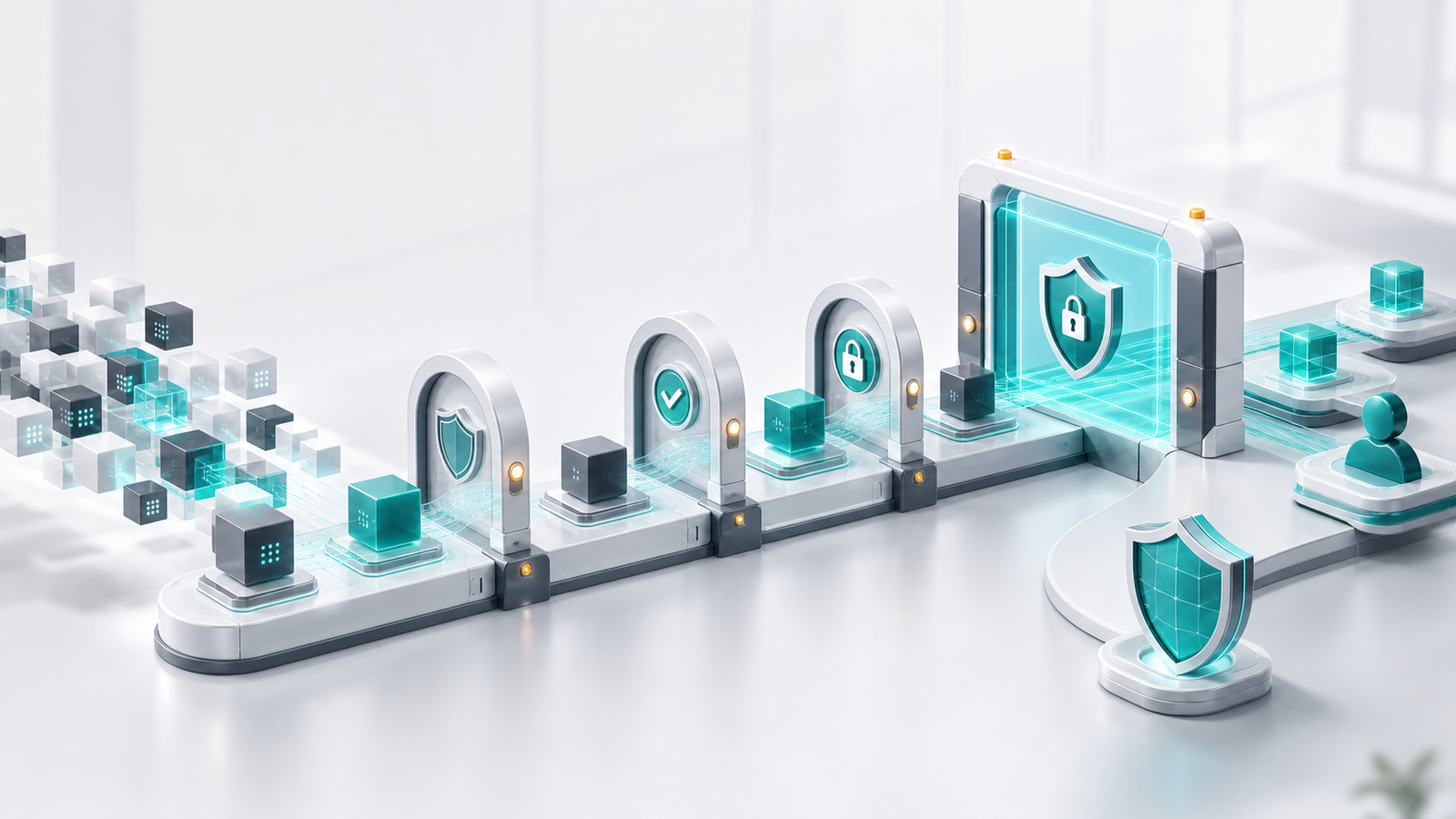
This classification should decide authentication requirements, approval thresholds, logging depth, testing, and rollout controls.
2. Enforce Least Privilege at the Connector
Do not rely on the model prompt as the main security boundary. The connector should enforce what is allowed.
For example, a support agent may read a customer’s subscription tier and ticket history, but it should not retrieve all customers. A finance agent may prepare a payment recommendation, but it should not execute payment without approval. A developer agent may open a pull request, but it should not deploy to production unless a separate release process authorizes it.
3. Separate Read, Recommend, and Act
Agents should not jump directly from analysis to irreversible action. Design workflows in three layers:
- Read: retrieve context and summarize it
- Recommend: propose an action with evidence
- Act: execute only after policy checks and, where needed, human approval
This keeps AI useful while preserving business control.
4. Add Human Approval for High-Impact Actions
Human-in-the-loop should be reserved for meaningful risk, not every tool call. If approval is overused, people will rubber-stamp it. Use approval for actions involving money, customer data exposure, production systems, access changes, legal commitments, external communication, and destructive operations.
Approvals should show enough evidence for the reviewer to decide: requester, system, action, target, amount or scope, risk flags, and rollback option.
5. Monitor Tool Calls Like Security Events
AI tool calls should feed security monitoring and operational analytics. Useful signals include:
- Unusual connector usage by user, agent, or department
- Sensitive fields accessed outside normal patterns
- Failed authorization attempts
- Tool calls triggered by untrusted content
- Repeated denied actions
- High-risk actions requested outside business hours
- Changes made after model uncertainty or low confidence
Security teams should connect these events with identity, endpoint, SaaS, cloud, and ticketing logs.
Business Impact
AI tool connector security affects more than the security team.
For executives, it determines whether agent adoption can scale without creating unmanaged operational risk. For IT and engineering leaders, it shapes platform architecture, vendor selection, and incident response. For legal and compliance teams, it affects auditability, privacy, data retention, and accountability. For business teams, it decides which workflows can safely benefit from automation.
The opportunity is real. Secure connectors can reduce manual work, speed up customer service, improve developer productivity, and make internal data easier to use. The risk is also real. Poorly governed connectors can expose sensitive data, trigger unauthorized actions, or make AI incidents hard to investigate.
The companies that move fastest will not be the ones that ignore security. They will be the ones that make secure connector patterns reusable.
Vendor and Platform Questions to Ask
Before adopting an AI agent platform, MCP server, or connector marketplace, ask:
- What identity is used for tool calls: user, service account, or delegated token?
- Can permissions be scoped per tool, user group, environment, and action?
- Are secrets stored and rotated securely?
- Can high-risk actions require approval?
- Are tool calls logged with parameters, outputs, and approval state?
- Can logs export to SIEM or governance systems?
- How are connector updates reviewed and signed?
- Does the platform defend against prompt injection from tool outputs?
- Can administrators disable a connector quickly during an incident?
- Is tenant data isolated across users and customers?
These questions are practical. They reveal whether a vendor treats agents as demos or as production systems.
What Readers Should Watch Next
Watch MCP security maturity. As MCP servers become common, expect more attention on server hardening, authorization patterns, tool registries, testing frameworks, and enterprise policy controls.
Watch agentic AI threat modeling. The OWASP Top 10 for LLM Applications has already pushed teams to think beyond traditional web security. Agentic systems add new questions around tool use, autonomy, memory, and delegated authority.
Watch regulation and audit expectations. NIST’s AI Risk Management Framework and Generative AI Profile give organizations a way to structure AI risk discussions. As agents start taking business actions, audit trails and governance evidence will matter more.
Finally, watch the shift from “Can the agent do this?” to “Should the agent be allowed to do this now, for this user, with this data, under this policy?” That question is the center of AI tool connector security.
FAQ
What is AI tool connector security?
AI tool connector security is the practice of controlling how AI agents access external systems, call tools, use credentials, handle data, request approvals, and record actions.
Is MCP secure by default?
MCP is a protocol, not a complete security program. Security depends on how MCP servers, clients, authorization flows, tool permissions, secrets, logging, and deployment processes are implemented.
What is the biggest risk with AI agents using tools?
The biggest practical risk is giving an agent too much authority without strong server-side controls, approvals, and audit logs. Prompt injection and compromised connectors become more serious when the agent can take action.
Should businesses allow AI agents to write to production systems?
Only for narrow, well-tested workflows with least-privilege permissions, approval rules, monitoring, rollback plans, and clear ownership. Many early deployments should start with read-only or recommendation-only access.
Who should own AI connector governance?
Ownership should be shared. Security should define controls, IT should manage identity and platform policy, engineering should build safe integration patterns, business teams should own workflow risk, and compliance should validate audit and privacy requirements.
Sources
- Model Context Protocol: Introduction
- Model Context Protocol: Security Best Practices
- Model Context Protocol: Authorization Specification
- OWASP: Top 10 for Large Language Model Applications
- NIST: AI Risk Management Framework
- NIST: AI 600-1, Artificial Intelligence Risk Management Framework: Generative Artificial Intelligence Profile
- CISA: Secure by Design