
AI-Native Devices: On-Device Agents and the Next Business Endpoint
AI-native devices are becoming one of the clearest technology trends of 2026 because artificial intelligence is moving closer to the person, machine, camera, workstation, and workflow where decisions happen.
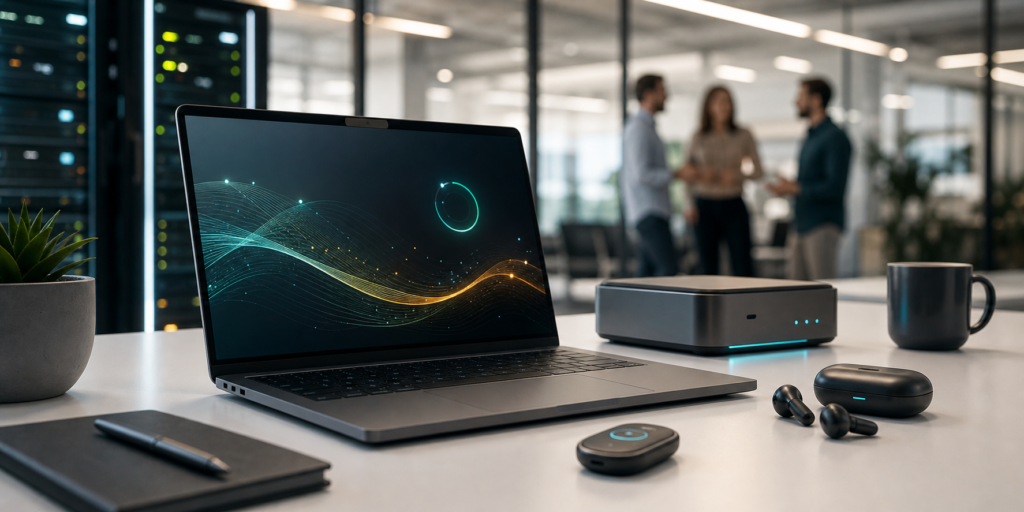
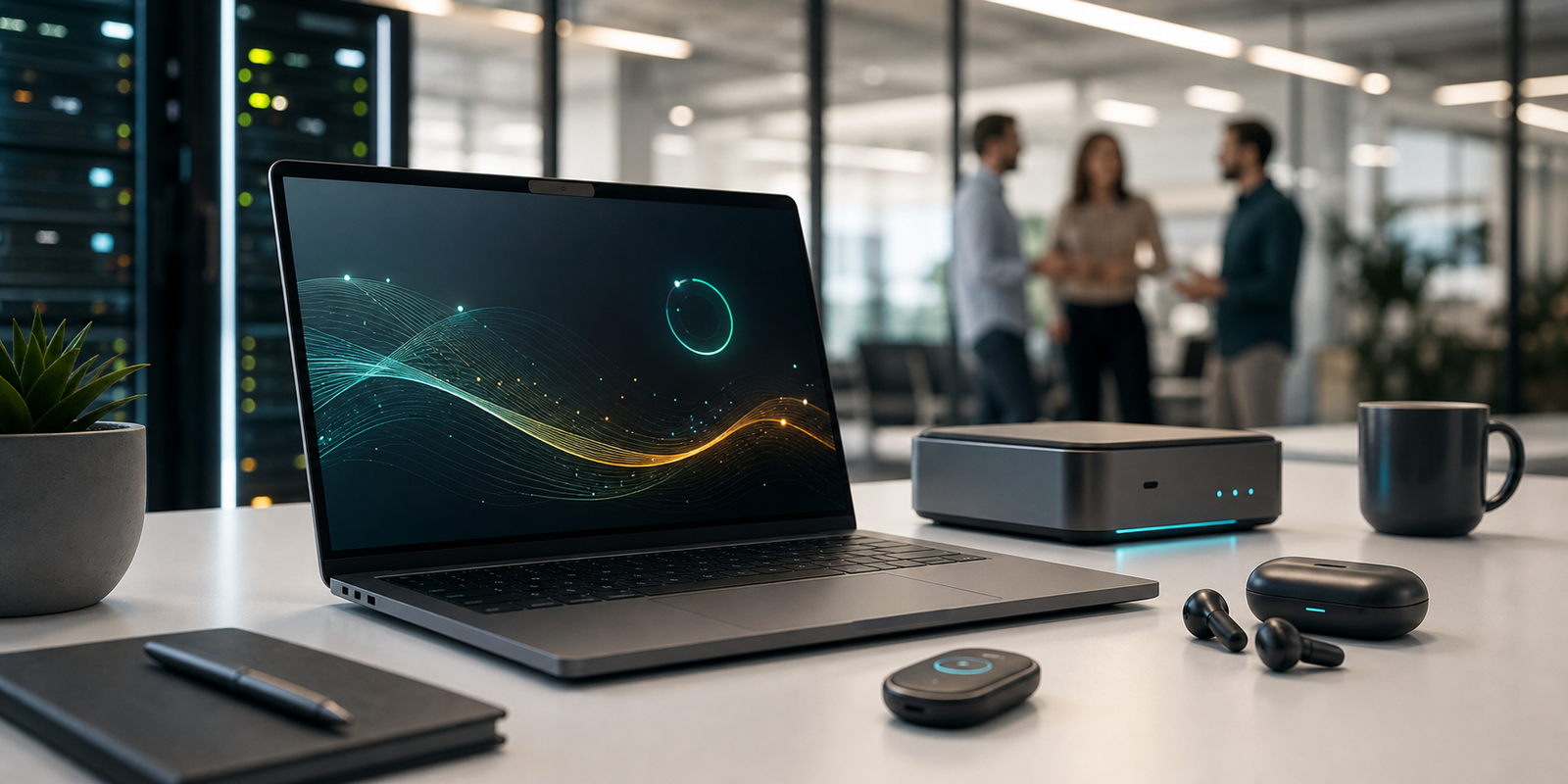
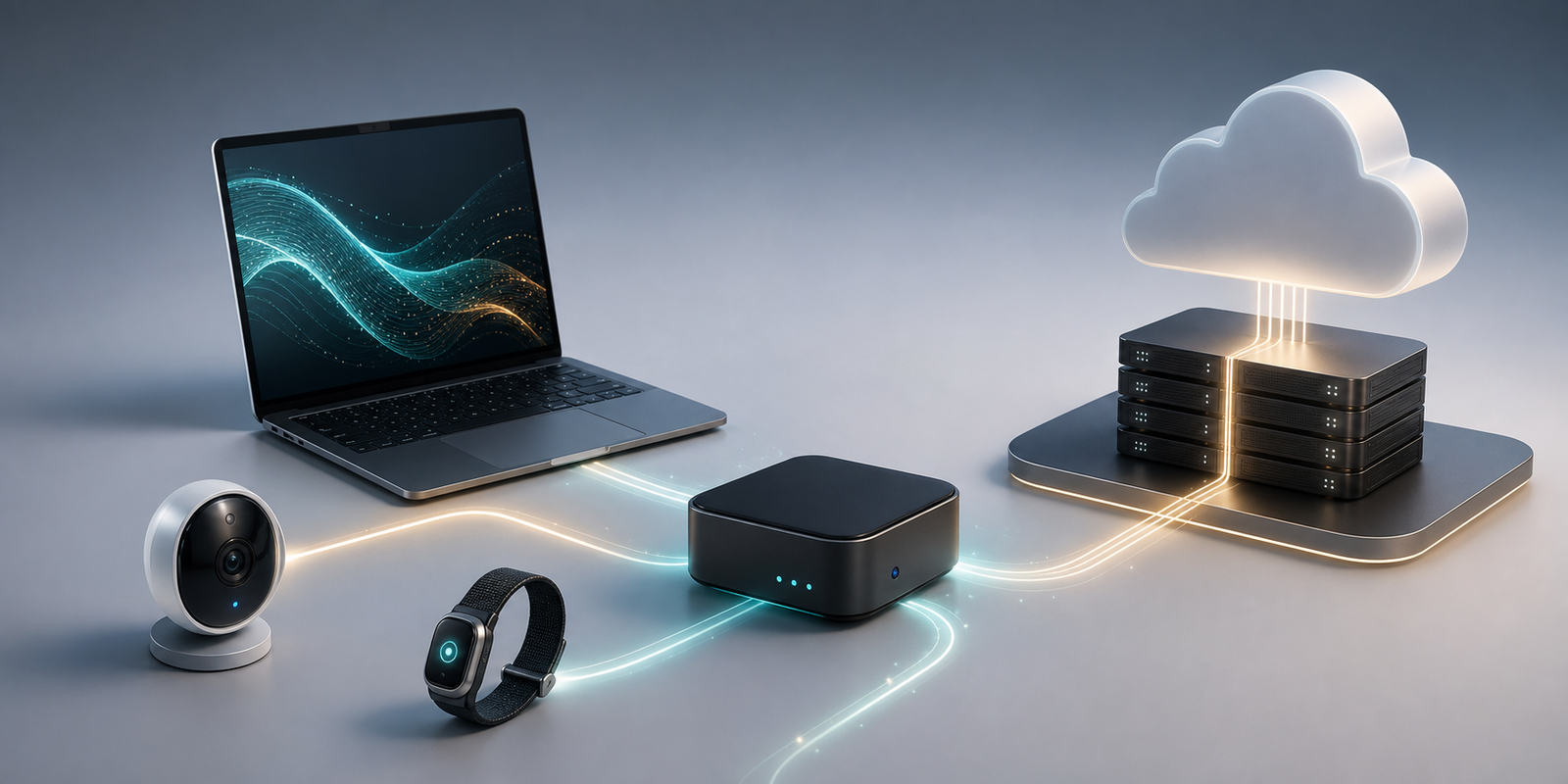
For the last two years, many companies treated AI as a cloud service inside a browser, chat window, CRM, IDE, or help desk tool. That model will remain important, but it is no longer the whole story. A new device layer is emerging: AI PCs, local model workstations, frontline wearable badges, compact desk hubs, smart cameras, edge gateways, and mobile devices that can run or coordinate AI agents closer to work.
This does not mean every company needs a new gadget. It means endpoint strategy is changing. The business question is shifting from “Which chatbot should we buy?” to “Which tasks should run locally, which should run in the cloud, and how do we secure agents that can see, hear, summarize, search, automate, and act across business systems?”
What AI-Native Devices Mean
An AI-native device is hardware designed around AI workloads, not just traditional apps. It may include a neural processing unit, GPU, secure enclave, camera, microphone array, low-power sensor stack, local model runtime, agent shell, or cloud orchestration layer.
The category includes several form factors:
- AI PCs and workstations that run local models, coding agents, private document assistants, and multimodal tools.
- Wearable devices for frontline workers in retail, healthcare, logistics, field service, hospitality, and industrial operations.
- Desk hubs that use voice, presence, camera input, and identity to coordinate meeting, support, or workflow agents.
- Edge gateways that connect sensors, cameras, machines, and local AI models to cloud systems.
- Smartphones, tablets, and laptops that expose on-device models to developers.
The common theme is hybrid AI. Local devices handle low-latency tasks, private data, offline workflows, and sensor-heavy interaction. Cloud services handle large-scale reasoning, model updates, fleet monitoring, enterprise search, analytics, and orchestration.
IBM’s edge AI overview, updated in April 2026, describes edge AI as deploying AI models directly on local devices such as sensors or IoT devices, enabling real-time processing without constant cloud reliance. That same logic now applies to business endpoints. AI is no longer only a remote API call. It is becoming part of the device stack.
Why This Is Trending Now
Several signals are converging at once.
First, the PC is being redesigned around local AI. In June 2026, the Associated Press reported that Nvidia announced its RTX Spark “superchip” for Windows laptops and desktops, with the goal of enabling more advanced local AI agents on personal computers. The important business signal is not one chip announcement. It is the broader industry push to make endpoint hardware capable of running useful AI workloads without sending every action to a remote data center.
Second, dedicated agent devices are moving from concept to enterprise pilots. Microsoft used Build 2026 to introduce Project Solara, described in contemporary coverage as a chip-to-cloud platform for “agent-first” enterprise devices. Reports described reference designs such as a desk-mounted AI hub and a wearable badge for frontline workers, with Qualcomm and MediaTek as silicon partners and early enterprise pilots in sectors such as retail, healthcare, and field operations.
Third, developer platforms are opening local models. Apple’s 2025 technical report on Apple Intelligence describes an on-device foundation model optimized for Apple silicon, alongside a Foundation Models framework for guided generation, constrained tool calling, and adapter fine-tuning. That matters because device AI becomes more useful when developers can build local features directly into business applications.
Fourth, cloud-only AI is under pressure from cost, latency, privacy, and resilience constraints. Sending every voice note, camera stream, maintenance record, or customer interaction to the cloud can be expensive and risky. A hybrid model can keep sensitive or time-critical processing local while still using cloud AI where scale is needed.
The trend is not “cloud AI is over.” The trend is that enterprise AI is becoming distributed.
Real-World Applications
AI PCs for Knowledge Work and Software Teams
AI PCs and local AI workstations can run private assistants for documents, spreadsheets, source code, meeting notes, legal research, product requirements, and customer records. The business value is strongest when the task needs speed, privacy, or repeated inference.
For example, a software team could use local coding agents for repository indexing, test generation, code explanation, and offline development support. A finance team could run a local assistant over approved files without uploading raw spreadsheets. A consulting team could summarize client documents with stricter data-handling rules.
Local AI will not replace enterprise cloud platforms. Large models, organization-wide search, compliance logging, and cross-system automation still need centrally managed infrastructure. But local models can reduce API cost, improve responsiveness, support offline work, and keep some sensitive context on the endpoint.
Frontline Wearables and Task Assistants
Frontline workers often do not have the luxury of sitting at a laptop. Nurses, retail associates, field technicians, warehouse supervisors, hotel staff, and delivery coordinators need quick answers while moving through physical environments.
AI-native wearables or handheld devices can support:
- Voice notes that become structured shift logs.
- Step-by-step task guidance for maintenance or inspections.
- Product lookup and inventory checks.
- Translation for customer service.
- Incident capture with photos, video, and timestamps.
- Escalation to the right human expert.
- Short summaries of procedures, policies, or work orders.
The most practical use cases are narrow. A badge that tries to be a general-purpose computer may fail. A device that helps a nurse document handoff notes, a technician diagnose equipment, or a retail associate find stock can deliver measurable value.

Local Vision and Audio Intelligence
AI-native endpoints can use cameras, microphones, and sensors to understand local context. That can support quality inspection, safety monitoring, retail shelf analytics, queue management, security triage, equipment diagnostics, and accessibility tools.
Local processing matters because raw video and audio can be sensitive. Sending all footage to a cloud service may create privacy, storage, bandwidth, and compliance problems. A local model can detect an event, blur or discard raw data, and send only a structured alert or summary.
This is especially relevant for healthcare, retail, education, logistics, and smart buildings, where camera and audio analytics require careful governance.
Hybrid Agents Across Devices
The strongest AI-native device strategy will connect devices instead of isolating them. A worker might start a task on a wearable, continue on a phone, review details on a laptop, and let a cloud agent update the ticketing or inventory system.
That requires persistent state, identity, policy, and audit logs. Without those layers, agents become fragmented assistants that lose context and create security gaps.
The architecture should answer practical questions:
- Which agent is allowed to act on which system?
- What data can stay local?
- What context can sync to the cloud?
- Which actions require approval?
- How are local model outputs logged?
- How are devices patched, revoked, or wiped?
AI-native devices are not only a hardware trend. They are an identity, security, data, and workflow trend.
Business Impact
Lower Latency and Better Resilience
Some decisions need to happen immediately. A local assistant that listens for a machine anomaly, detects a safety issue, summarizes a field inspection, or translates a customer conversation should not depend on a perfect network connection.
Local AI can also keep workflows alive during cloud outages, weak connectivity, or restricted network environments. For field teams, clinics, warehouses, factories, and stores, that resilience can matter as much as model quality.
Better Privacy and Data Control
On-device AI can reduce the amount of sensitive data that leaves the endpoint. That does not automatically make the system compliant, but it gives architects more options.
A company can process raw audio locally, store only approved transcripts, and send a summary to a cloud workflow. A smart camera can detect a shelf gap without retaining customer footage. A laptop assistant can answer questions over local documents without uploading all source files.
This is useful for regulated industries, but it also matters for ordinary businesses trying to manage employee trust and customer data responsibly.
New Endpoint Procurement Criteria
Endpoint buying will change. Procurement teams will need to evaluate NPUs, GPU memory, local model runtime support, battery life under AI workloads, secure boot, update guarantees, device management, identity integration, and data-loss controls.
The cheapest laptop may not be the cheapest endpoint if cloud inference costs keep rising. At the same time, the most powerful AI workstation may be wasteful if the business workflow only needs simple summarization or classification.
The better approach is workload-based procurement: match device capability to the AI tasks the user actually performs.
New Services for Integrators and IT Teams
AI-native devices create opportunities for managed service providers, systems integrators, cybersecurity teams, and app developers.
Businesses will need help with local model selection, device fleet management, agent policy, edge observability, secure update pipelines, prompt and response logging, data retention, employee training, and business process integration.
The opportunity is not just selling hardware. It is designing a reliable operating model for distributed AI.
Risks Leaders Should Manage
Device Sprawl
AI-native devices can multiply quickly. A few pilots can become a messy fleet of laptops, wearables, cameras, gateways, hubs, and unmanaged local model runtimes.
Every device needs an owner, update path, identity policy, data policy, and retirement plan. NIST’s Cybersecurity for IoT Program emphasizes standards and guidance across the IoT ecosystem, including manufacturer activities from pre-market through post-market support and end-of-life communication. Those lifecycle questions become even more important when devices contain AI models and collect local context.
Agent Permissions
An AI agent on a device should not inherit broad user permissions by default. If a wearable can access customer records, open tickets, or send messages, it needs least-privilege access, approval gates, and audit logs.
Agent identity should be separate from human identity. The system should know whether an action was taken by a person, suggested by an agent, or executed by an agent under a policy.
Privacy and Worker Trust
Devices with cameras and microphones can improve workflows, but they can also feel invasive. Employees and customers need clear policies on what is collected, when recording happens, how long data is retained, who can review it, and whether it is used for performance monitoring.
Poor communication can turn a useful tool into a trust problem. Privacy by design should be part of the pilot, not a memo after deployment.
Model Quality and Hallucination
Local models are improving, but they are not magic. Smaller models may be faster and cheaper, but they can be less capable than frontier cloud models. Even strong agents can misunderstand screens, misread context, or take the wrong action.
Microsoft’s Windows Agent Arena research showed how hard real operating-system tasks can be for multimodal agents. The benchmark’s reported agent performance lagged far behind human performance, which is a useful reminder: business deployments need constrained workflows, human review, and rollback paths.
Security of Local Models and Data
Local AI introduces new attack surfaces. Sensitive prompts, embeddings, cached files, model weights, local vector stores, audio snippets, screenshots, and tool credentials can become targets.
Controls should include secure boot, disk encryption, signed model updates, mobile device management, endpoint detection, data-loss prevention, network segmentation, local log protection, and remote wipe. NIST’s AI Risk Management Framework is also relevant because it encourages organizations to incorporate trustworthiness considerations into AI design, development, use, and evaluation.
A Practical Adoption Playbook
1. Start With a Workflow, Not a Device
Do not buy AI badges or AI PCs because they are new. Start with a measurable workflow: shift documentation, field service notes, quality inspection, retail inventory lookup, local document search, coding support, customer translation, or safety triage.
Define the business pain, current baseline, and success metric before selecting hardware.
2. Decide What Must Stay Local
Classify the data. Raw audio, camera feeds, medical notes, customer IDs, legal documents, source code, and credentials may require local processing or stricter handling.
Then define what can be sent to the cloud: summaries, embeddings, anonymized events, approved records, diagnostic logs, or model telemetry.
3. Match Model Size to the Job
Not every task needs the largest model. Use small local models for classification, extraction, summarization, command routing, translation, and simple reasoning. Use cloud models for complex synthesis, multi-system planning, or tasks that need broad knowledge and higher reasoning capability.
The practical architecture is usually a router: local first when possible, cloud when needed, and human approval when risk is high.
4. Build Agent Governance Before Scaling
Define allowed tools, restricted actions, approval thresholds, logging rules, retention policies, and escalation paths. Track agent actions separately from human actions.
If a device can trigger payments, update records, message customers, change schedules, or create work orders, governance is not optional.
5. Pilot With Real Users
Run pilots in the real environment. A device that works in a demo may fail in a noisy store, a hospital hallway, a dusty factory, or a field site with poor connectivity.
Measure task time, error rate, adoption, employee satisfaction, support tickets, battery life, network usage, and security events. Keep the pilot small until the operating model is proven.
What Readers Should Watch Next
Watch whether AI PCs move from marketing claims to measurable local workloads. The real test is not TOPS or chip branding. It is whether users can run useful private assistants, coding tools, search, summarization, and multimodal workflows locally with acceptable battery life and manageability.
Watch agent-first devices in frontline industries. Retail, healthcare, logistics, hospitality, and field service are more likely to justify dedicated wearables or hubs because traditional laptops and phones are not always ergonomic for the work.
Watch developer frameworks for local models. When developers can call on-device models safely and cheaply, more everyday apps will gain local AI features.
Watch endpoint security vendors. AI-native endpoints will need new controls for local model caches, agent permissions, prompt logs, tool calls, and model updates.
Watch the hybrid architecture. The future is unlikely to be all-cloud or all-local. The winning pattern will be governed distribution: local devices for speed, privacy, resilience, and context; cloud systems for scale, orchestration, analytics, and oversight.
AI-native devices are not just another hardware refresh cycle. They are the next stage of enterprise AI deployment, where agents move from centralized chat interfaces into the endpoints people use to do real work.
FAQ
Are AI-native devices the same as edge AI?
They overlap, but they are not identical. Edge AI is the broader practice of running AI near where data is created. AI-native devices are endpoints intentionally designed around AI agents, local models, sensors, identity, and hybrid cloud coordination.
Will AI-native devices replace cloud AI?
No. Most businesses will use both. Local devices are useful for privacy, speed, sensor input, and offline resilience. Cloud AI remains important for large models, enterprise search, centralized governance, analytics, and cross-system orchestration.
What is the best first business use case?
Start with a bounded workflow that creates measurable friction, such as frontline documentation, local knowledge search, field inspection, product lookup, coding support, safety triage, or private document summarization.
What is the biggest risk?
The biggest risk is unmanaged agent access on unmanaged devices. Companies need device lifecycle management, least-privilege agent permissions, clear privacy rules, secure updates, and audit logs before scaling.
Should companies buy AI PCs now?
They should evaluate AI PCs by workload, not hype. If a role benefits from local summarization, coding assistance, private document search, multimodal analysis, or offline AI support, AI-capable endpoints may make sense. If the user only needs browser-based cloud tools, a standard managed endpoint may still be enough.
Sources
- Tom’s Hardware: Microsoft unveils Project Solara AI, a chip-to-cloud platform built to power agent-first enterprise devices
- Associated Press: Nvidia bets on AI personal computers with new superchip powering Windows laptops
- IBM Think: What is edge AI?
- arXiv: Apple Intelligence Foundation Language Models: Tech Report 2025
- NIST: Cybersecurity for IoT Program
- NIST: AI Risk Management Framework
- arXiv: Windows Agent Arena: Evaluating Multi-Modal OS Agents at Scale